> For the complete documentation index, see [llms.txt](https://www.analytics-docs.laplacetec.com/guide/llms.txt). Markdown versions of documentation pages are available by appending `.md` to page URLs; this page is available as [Markdown](https://www.analytics-docs.laplacetec.com/guide/zh-cn/customdashboard/custom/chart.md).

# 图表

{% hint style="info" %}
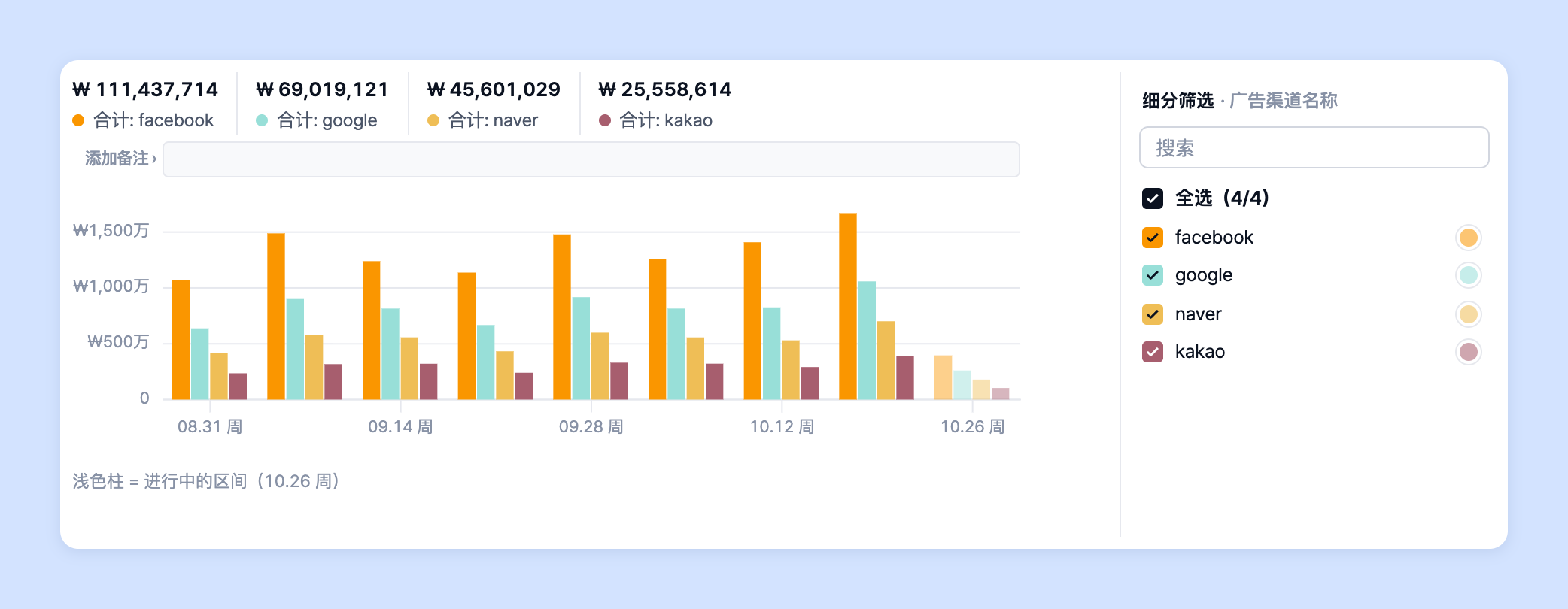
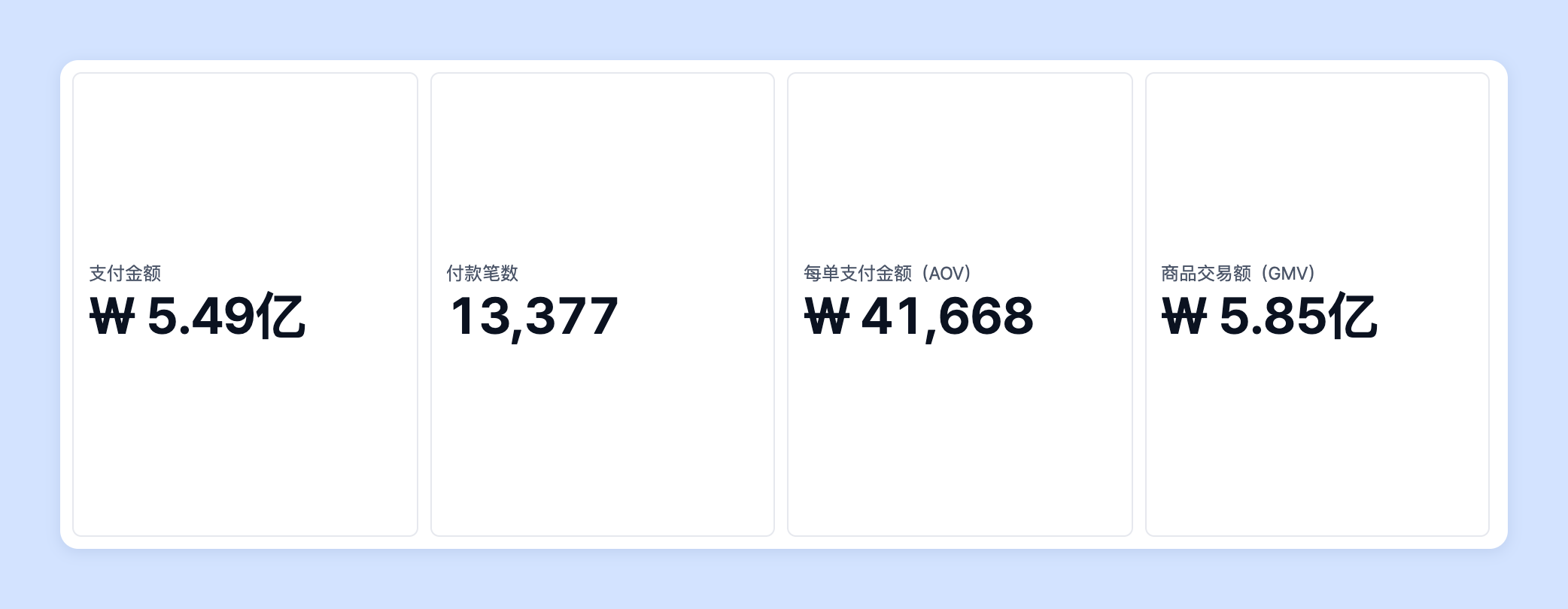
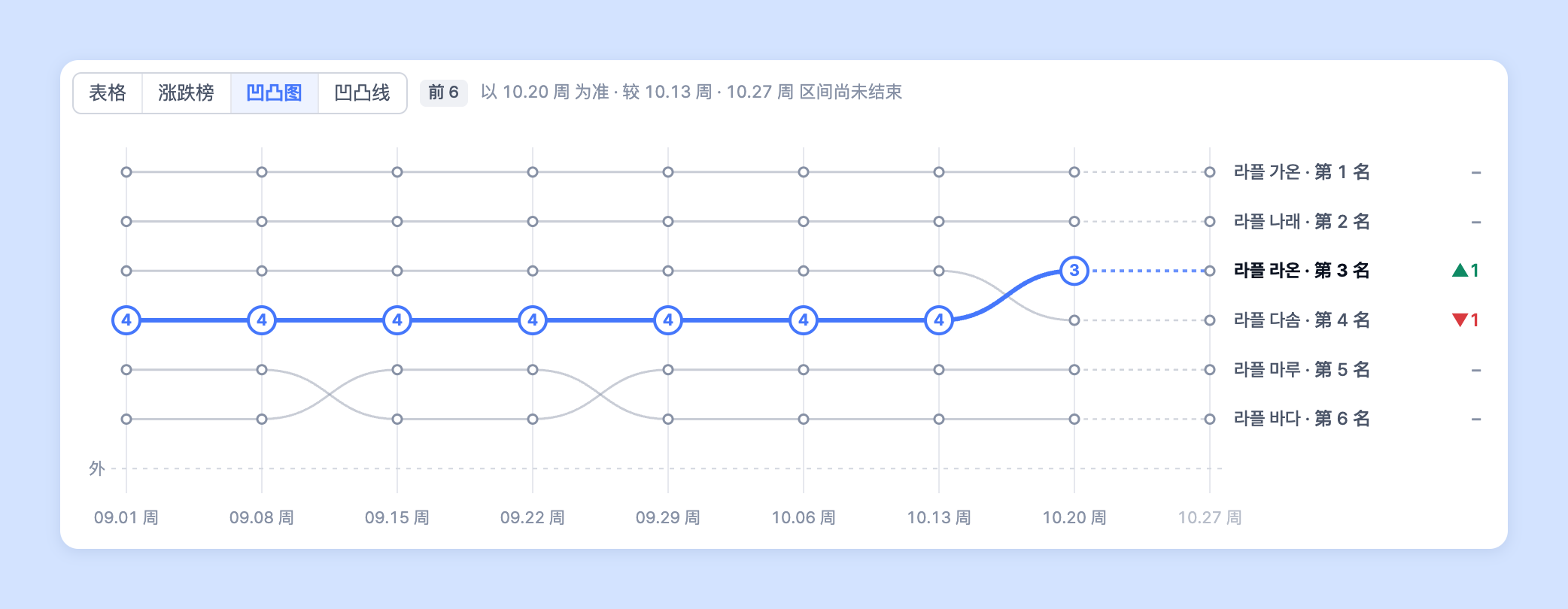
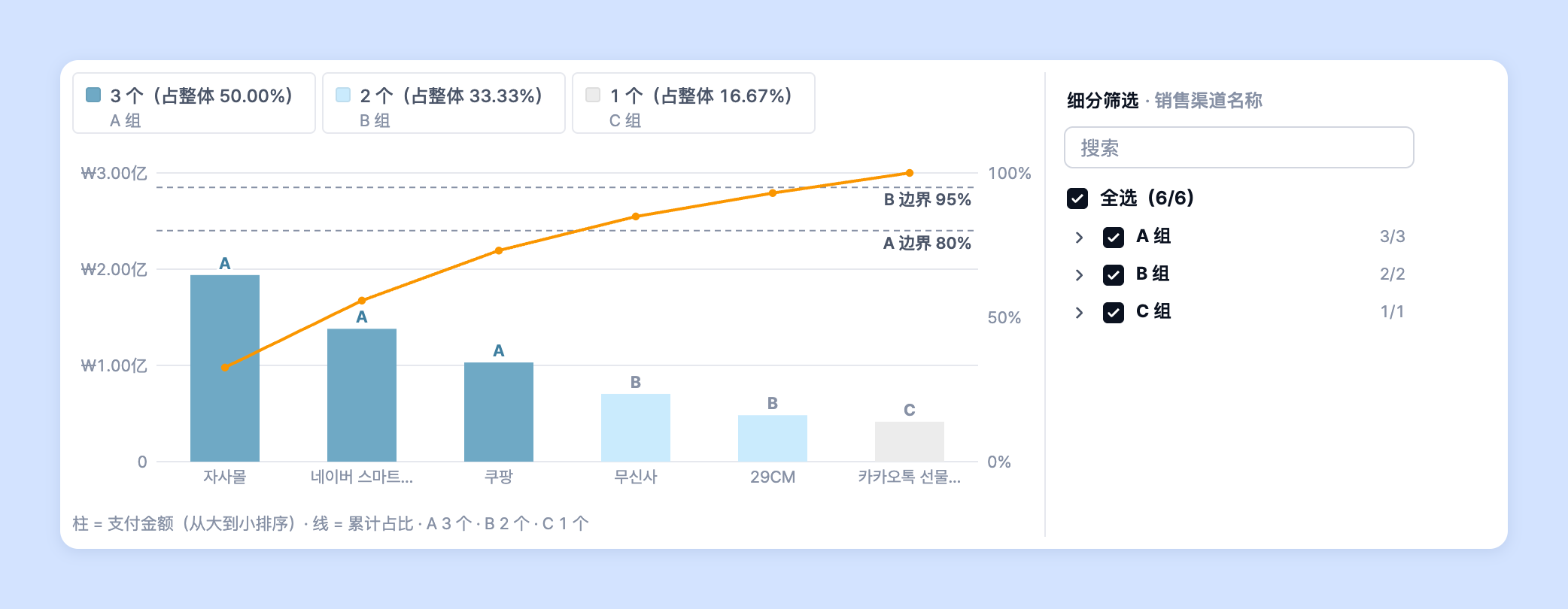
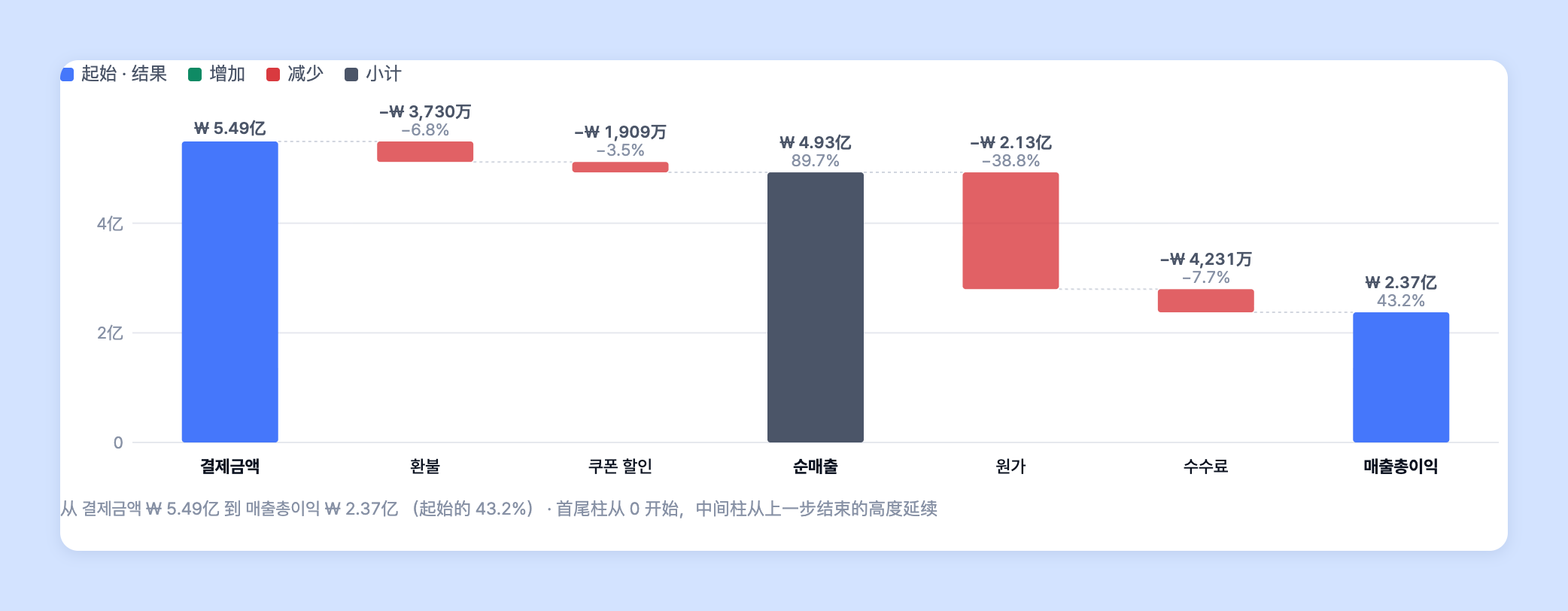
Laplace 提供折线图、条形图、组合图、柱状图、记分卡、凹凸图、饼图、地图、四象限图、帕累托图、日历图、表格、瀑布图。每种图表都可以按所需分析灵活自定义使用。
{% endhint %}

* 请查看以下图表，了解使用方法和技巧。

<table data-view="cards"><thead><tr><th align="center"></th><th data-hidden data-card-target data-type="content-ref"></th><th data-hidden data-card-cover data-type="files"></th></tr></thead><tbody><tr><td align="center">折线图</td><td><a href="/guide/zh-cn/customdashboard/custom/chart/line.md">折线图</a></td><td><a href="https://3137825292-files.gitbook.io/~/files/v0/b/gitbook-x-prod.appspot.com/o/spaces%2F0TsgqYeDkgxa5xtWTHTb%2Fuploads%2Fgit-blob-442325ce40e91a4fe9e267b33fb1e1bbd413fae2%2Fcustomdashboard__custom__chart__01.png?alt=media">customdashboard__custom__chart__01.png</a></td></tr><tr><td align="center">条形图</td><td><a href="/guide/zh-cn/customdashboard/custom/chart/bar.md">条形图</a></td><td><a href="https://3137825292-files.gitbook.io/~/files/v0/b/gitbook-x-prod.appspot.com/o/spaces%2F0TsgqYeDkgxa5xtWTHTb%2Fuploads%2Fgit-blob-e470a97c1434ae8d672372193663089e498b4198%2Fcustomdashboard__custom__chart__02.png?alt=media">customdashboard__custom__chart__02.png</a></td></tr><tr><td align="center">组合图</td><td><a href="/guide/zh-cn/customdashboard/custom/chart/combo.md">组合图</a></td><td><a href="https://3137825292-files.gitbook.io/~/files/v0/b/gitbook-x-prod.appspot.com/o/spaces%2F0TsgqYeDkgxa5xtWTHTb%2Fuploads%2Fgit-blob-76e520dbb9c439984176c058bc02c4fdeb473097%2Fcustomdashboard__custom__chart__03.png?alt=media">customdashboard__custom__chart__03.png</a></td></tr><tr><td align="center">柱状图</td><td><a href="/guide/zh-cn/customdashboard/custom/chart/column.md">柱状图</a></td><td><a href="https://3137825292-files.gitbook.io/~/files/v0/b/gitbook-x-prod.appspot.com/o/spaces%2F0TsgqYeDkgxa5xtWTHTb%2Fuploads%2Fgit-blob-da8da41611b5572092a1c5aafe749961d3f6da49%2Fcustomdashboard__custom__chart__04.png?alt=media">customdashboard__custom__chart__04.png</a></td></tr><tr><td align="center">记分卡</td><td><a href="/guide/zh-cn/customdashboard/custom/chart/scorecard.md">记分卡</a></td><td><a href="https://3137825292-files.gitbook.io/~/files/v0/b/gitbook-x-prod.appspot.com/o/spaces%2F0TsgqYeDkgxa5xtWTHTb%2Fuploads%2Fgit-blob-b3e8665bd798de364177800ff1074da7c38f80b4%2Fcustomdashboard__custom__chart__05.png?alt=media">customdashboard__custom__chart__05.png</a></td></tr><tr><td align="center">凹凸图</td><td><a href="/guide/zh-cn/customdashboard/custom/chart/bump.md">凹凸图</a></td><td><a href="https://3137825292-files.gitbook.io/~/files/v0/b/gitbook-x-prod.appspot.com/o/spaces%2F0TsgqYeDkgxa5xtWTHTb%2Fuploads%2Fgit-blob-54e9b1ece9c3befad0543956979ef147842cc3f5%2Fcustomdashboard__custom__chart__06.png?alt=media">customdashboard__custom__chart__06.png</a></td></tr><tr><td align="center">饼图</td><td><a href="/guide/zh-cn/customdashboard/custom/chart/piechart.md">饼图</a></td><td><a href="https://3137825292-files.gitbook.io/~/files/v0/b/gitbook-x-prod.appspot.com/o/spaces%2F0TsgqYeDkgxa5xtWTHTb%2Fuploads%2Fgit-blob-9c5af3e3534ab41bd8d8531daa32756c4d60739a%2Fcustomdashboard__custom__chart__07.png?alt=media">customdashboard__custom__chart__07.png</a></td></tr><tr><td align="center">地图</td><td><a href="/guide/zh-cn/customdashboard/custom/chart/geospatial.md">地图</a></td><td><a href="https://3137825292-files.gitbook.io/~/files/v0/b/gitbook-x-prod.appspot.com/o/spaces%2F0TsgqYeDkgxa5xtWTHTb%2Fuploads%2Fgit-blob-dc6a22ec0f6632fda54cb71be0c92f76fb8a271f%2Fcustomdashboard__custom__chart__08.png?alt=media">customdashboard__custom__chart__08.png</a></td></tr><tr><td align="center">四象限图</td><td><a href="/guide/zh-cn/customdashboard/custom/chart/quadrant.md">四象限图</a></td><td><a href="https://3137825292-files.gitbook.io/~/files/v0/b/gitbook-x-prod.appspot.com/o/spaces%2F0TsgqYeDkgxa5xtWTHTb%2Fuploads%2Fgit-blob-8d176ac8855fa7b5f3946bcf10bc48315cf70dcf%2Fcustomdashboard__custom__chart__09.png?alt=media">customdashboard__custom__chart__09.png</a></td></tr><tr><td align="center">帕累托图</td><td><a href="/guide/zh-cn/customdashboard/custom/chart/abcchart.md">帕累托图</a></td><td><a href="https://3137825292-files.gitbook.io/~/files/v0/b/gitbook-x-prod.appspot.com/o/spaces%2F0TsgqYeDkgxa5xtWTHTb%2Fuploads%2Fgit-blob-f0e15f2c491b30e1ee11ef57c53e05fa274369a9%2Fcustomdashboard__custom__chart__10.png?alt=media">customdashboard__custom__chart__10.png</a></td></tr><tr><td align="center">日历图</td><td><a href="/guide/zh-cn/customdashboard/custom/chart/calendar.md">日历图</a></td><td><a href="https://3137825292-files.gitbook.io/~/files/v0/b/gitbook-x-prod.appspot.com/o/spaces%2F0TsgqYeDkgxa5xtWTHTb%2Fuploads%2Fgit-blob-ee957a024074b44945eb73ba01eda250373bd1e2%2Fcustomdashboard__custom__chart__11.png?alt=media">customdashboard__custom__chart__11.png</a></td></tr><tr><td align="center">表格</td><td><a href="/guide/zh-cn/customdashboard/custom/chart/table.md">表格</a></td><td><a href="https://3137825292-files.gitbook.io/~/files/v0/b/gitbook-x-prod.appspot.com/o/spaces%2F0TsgqYeDkgxa5xtWTHTb%2Fuploads%2Fgit-blob-72d117ecb4995c1954438cddf76820e803d2c83b%2Fcustomdashboard__custom__chart__12.png?alt=media">customdashboard__custom__chart__12.png</a></td></tr><tr><td align="center">瀑布图</td><td><a href="/guide/zh-cn/customdashboard/custom/chart/waterfall.md">瀑布图</a></td><td><a href="https://3137825292-files.gitbook.io/~/files/v0/b/gitbook-x-prod.appspot.com/o/spaces%2F0TsgqYeDkgxa5xtWTHTb%2Fuploads%2Fgit-blob-5bb30ebd66d9fd9c36a4773728c9fbcda81f0532%2Fcustomdashboard__custom__chart__13.png?alt=media">customdashboard__custom__chart__13.png</a></td></tr></tbody></table>

## 选择图表类型 <a href="#type" id="type"></a>

1. 在图表编辑页面右侧设置面板中点击 **「图表」** 标签。在类型网格中点击想要的图表即可立即切换。

   ![图表标签类型网格](https://3137825292-files.gitbook.io/~/files/v0/b/gitbook-x-prod.appspot.com/o/spaces%2F0TsgqYeDkgxa5xtWTHTb%2Fuploads%2Fgit-blob-eb804167aed77cf32e20862bd6661f7e06193602%2Fcustomdashboard__custom__chart__14.png?alt=media)

{% hint style="info" %}

* 类型网格中显示的是简称。**「组合图」显示为「组合」**，**「记分卡」显示为「卡片」**。本指南的页面名称沿用列表名称（组合图 · 记分卡）。
* 切换类型时如果频率或对比期间发生变化，图表上方会出现提示。点击 \*\*「撤销」\*\*即可恢复到切换前的状态。
* 设置面板标签依次为 **「数据」 · 「图表」 · 「表格」 · 「词典」 · 「下载」 · 「提醒」**。通过右端的 **「AI」** 按钮，可以向 AI 询问图表或请它修改图表。详细内容请参阅 [AI 洞察](/guide/zh-cn/customdashboard/custom/ai_insight.md)。
  {% endhint %}

## 通过图表接收提醒 <a href="#alarm" id="alarm"></a>

在图表编辑页面的 **「提醒」** 标签中，可以定期接收当前查看的图表，或在数值超过条件时接收提醒。直接使用当前图表中保存的数据源。

1. 先 \*\*「保存」\*\*图表，然后在右侧设置面板中点击 **「提醒」** 标签。已创建的提醒会显示在 \*\*「此图表的提醒」\*\*中。

   ![提醒标签](https://3137825292-files.gitbook.io/~/files/v0/b/gitbook-x-prod.appspot.com/o/spaces%2F0TsgqYeDkgxa5xtWTHTb%2Fuploads%2Fgit-blob-0483b07756fc3e35557aa29e6b42761a02e52a97%2Fcustomdashboard__custom__chart__15.png?alt=media)
2. 点击 **「+ 添加新提醒」**，选择 \*\*「定期报表」\*\*或 **「条件提醒」**。
3. 输入提醒信息和发送渠道后，点击 **「创建计划」**。如果修改的是已有提醒，请点击 **「保存更改」**。

   ![创建计划](https://3137825292-files.gitbook.io/~/files/v0/b/gitbook-x-prod.appspot.com/o/spaces%2F0TsgqYeDkgxa5xtWTHTb%2Fuploads%2Fgit-blob-3ca9402e66e2deef157374902e2006bbdbbab2e3%2Fcustomdashboard__custom__chart__16.png?alt=media)

{% hint style="info" %}

* 「提醒」标签仅对有权限创建提醒的成员显示。
* 条件组为 2 个以上时，无法通过 Kakao 发送。
* 如需将多个图表合并发送，或管理提醒列表 · 发送记录，请参阅 👉 [自定义提醒指南](/guide/zh-cn/etc/alert/custom.md)。
  {% endhint %}