> For the complete documentation index, see [llms.txt](https://www.analytics-docs.laplacetec.com/guide/llms.txt). Markdown versions of documentation pages are available by appending `.md` to page URLs; this page is available as [Markdown](https://www.analytics-docs.laplacetec.com/guide/en/customdashboard/custom/chart.md).

# Charts

{% hint style="info" %}
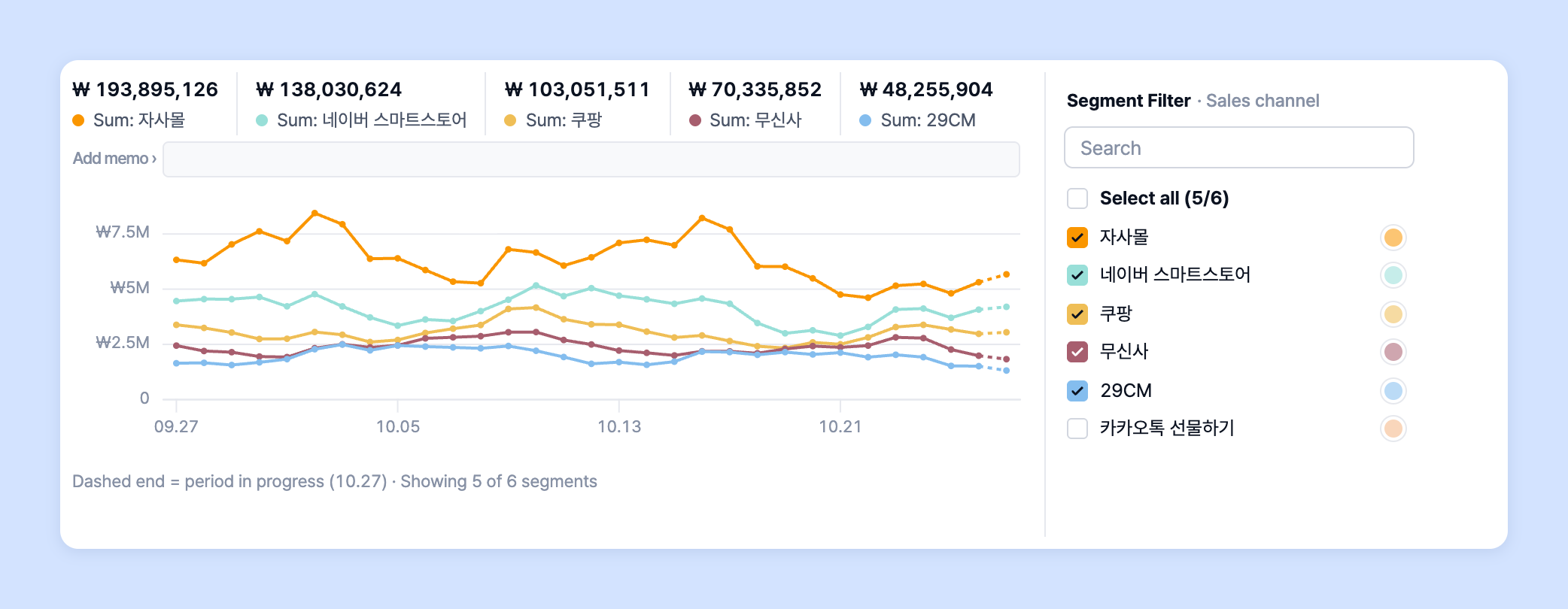
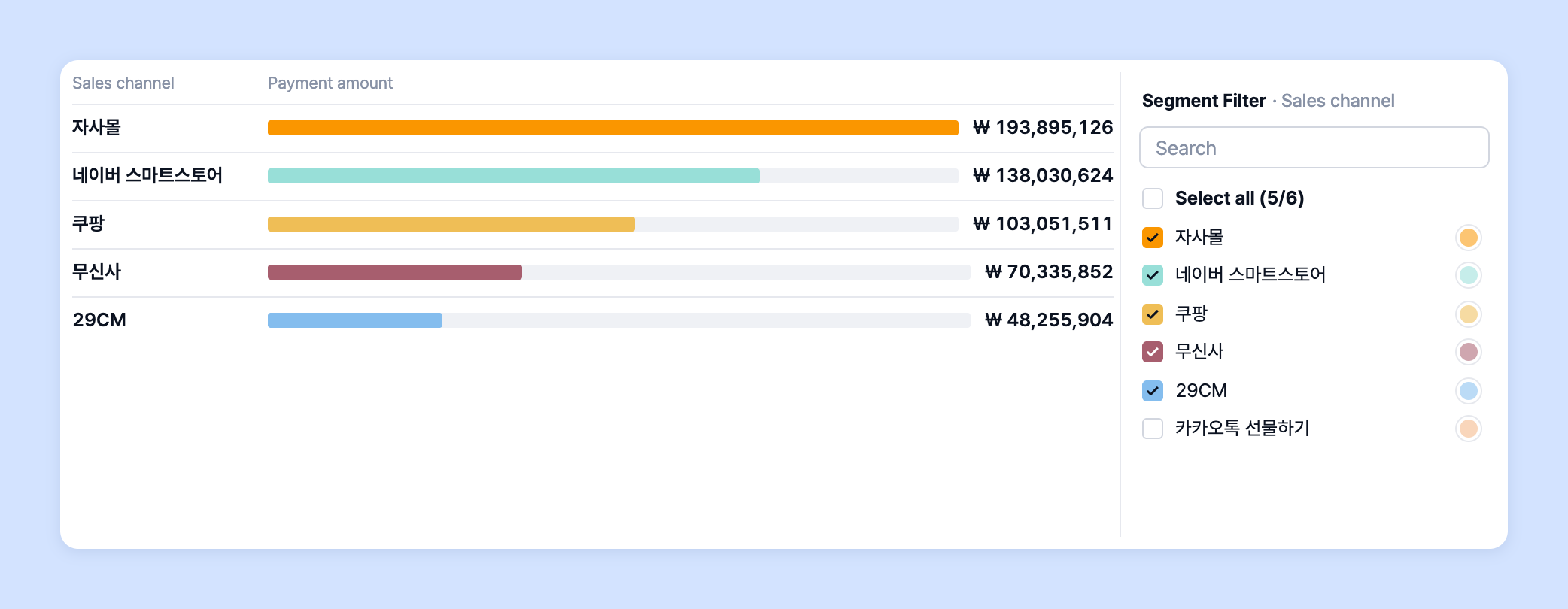
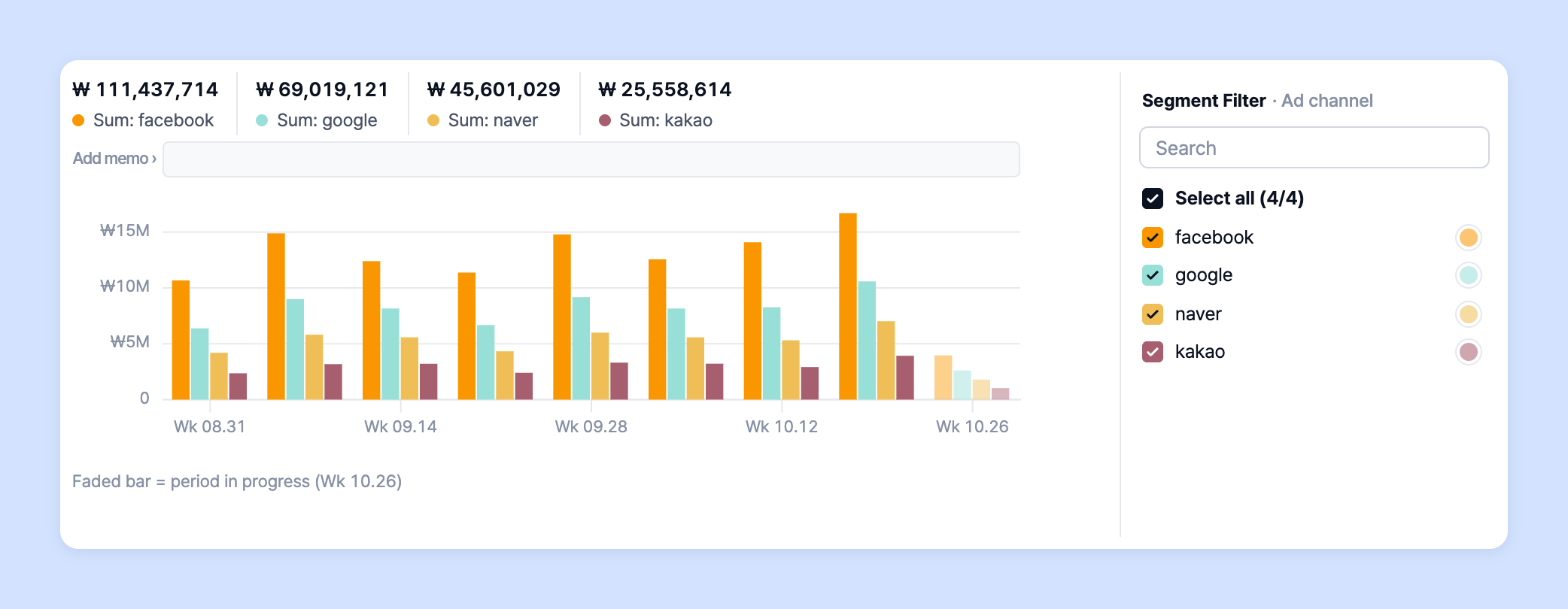
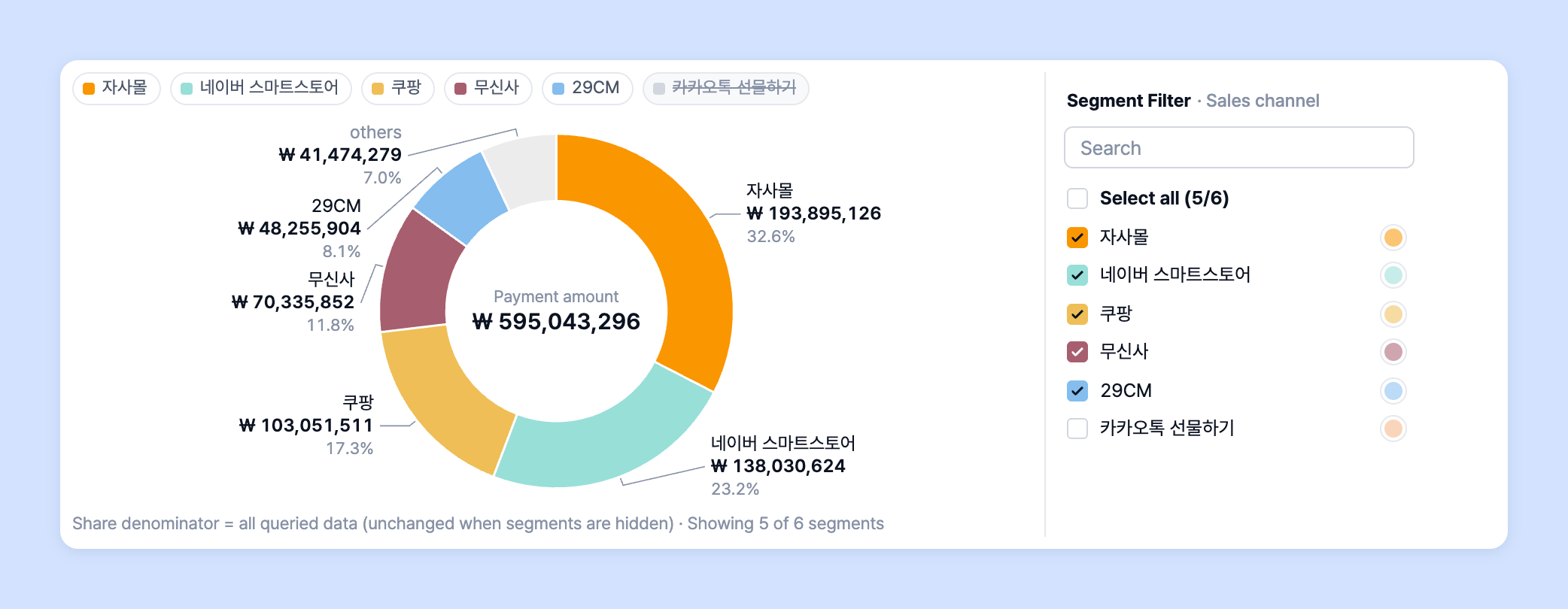
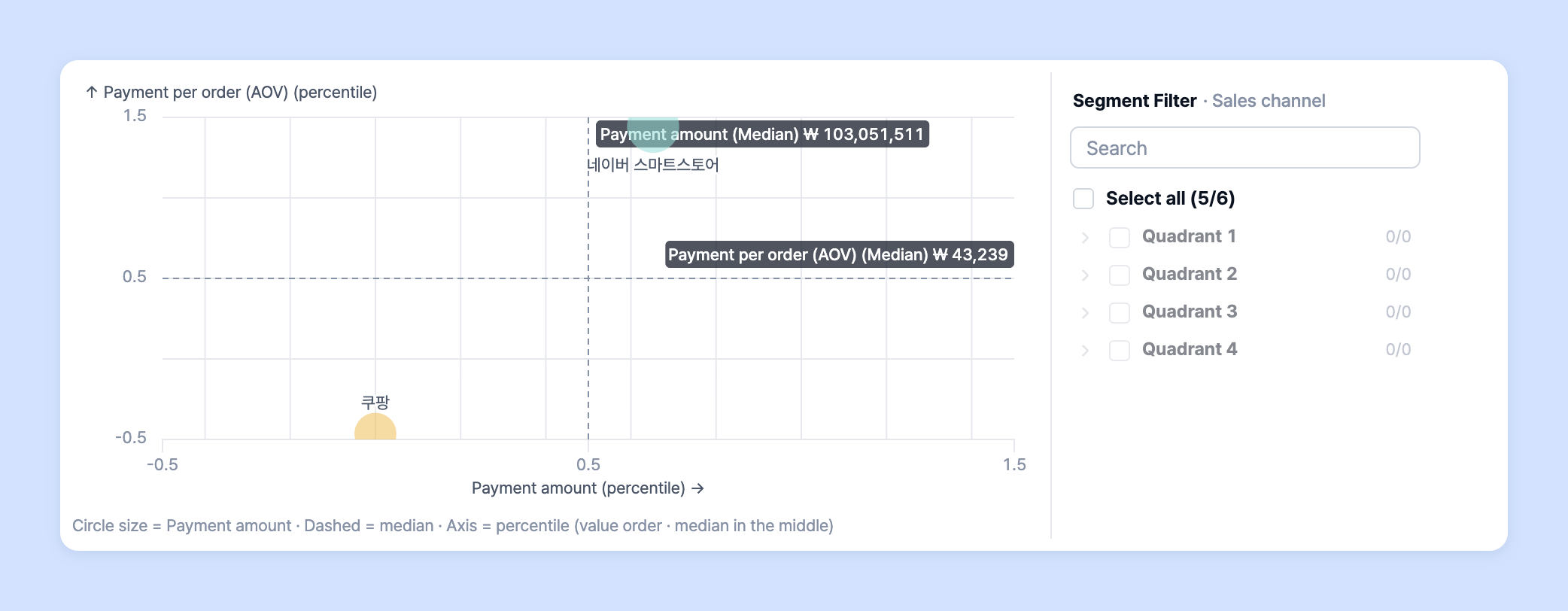
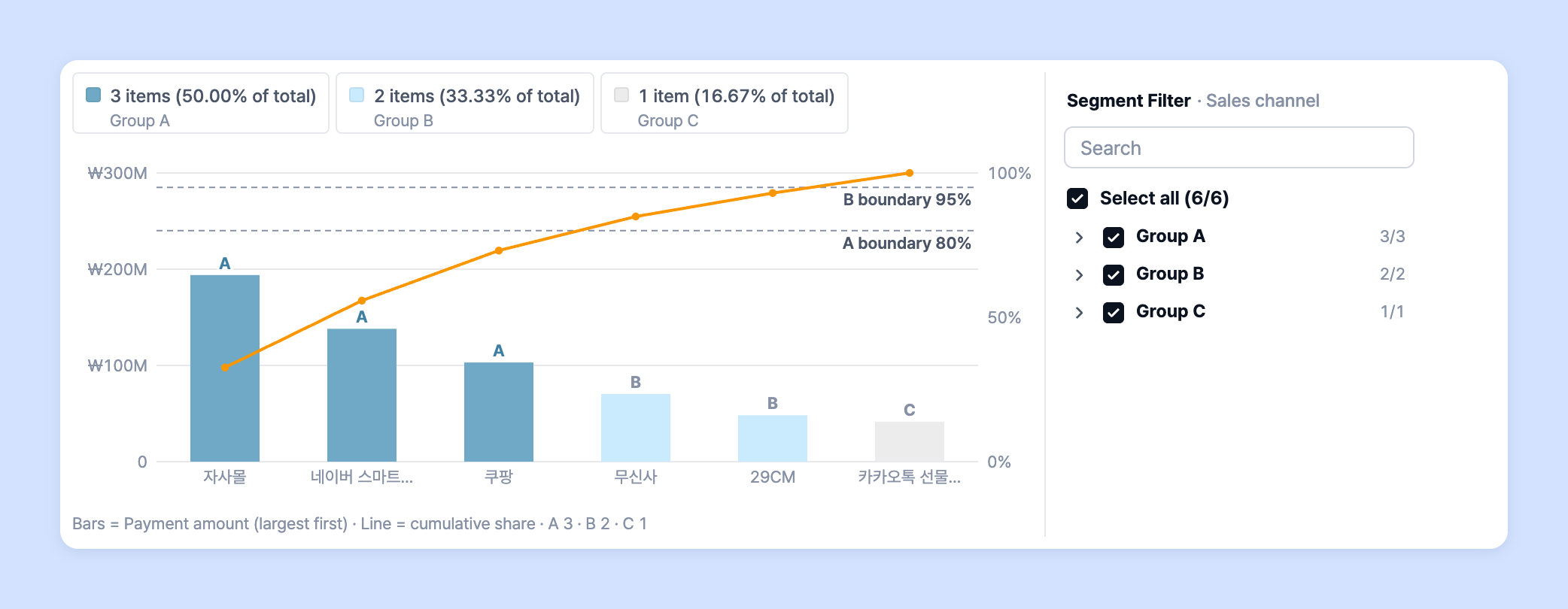
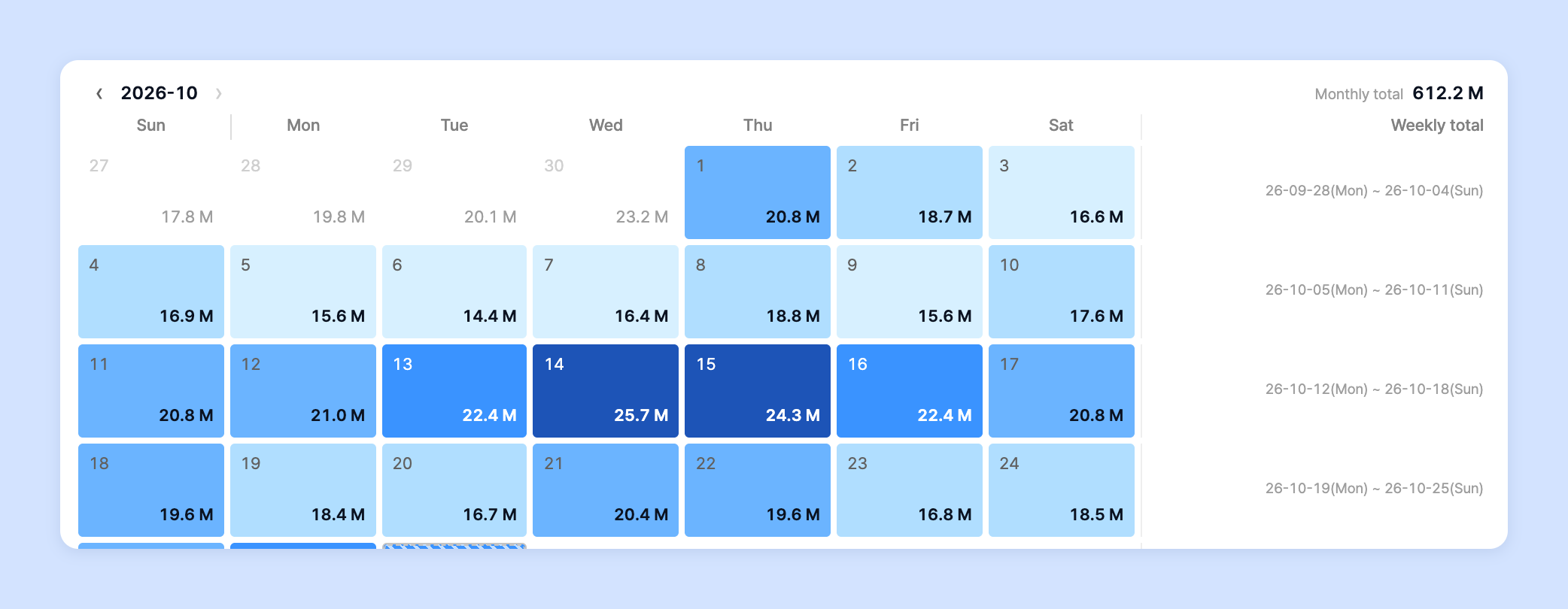
Laplace offers line charts, bar charts, multi charts, column charts, scorecards, bump charts, pie charts, map charts, quadrant charts, Pareto charts, calendar charts, tables and waterfall charts. You can customize each chart to suit the analysis you want.
{% endhint %}

* Take a look at the charts below to learn how to use them and pick up some tips.

<table data-view="cards"><thead><tr><th align="center"></th><th data-hidden data-card-target data-type="content-ref"></th><th data-hidden data-card-cover data-type="files"></th></tr></thead><tbody><tr><td align="center">Line chart</td><td><a href="/guide/en/customdashboard/custom/chart/line.md">Line chart</a></td><td><a href="https://616205588-files.gitbook.io/~/files/v0/b/gitbook-x-prod.appspot.com/o/spaces%2Fqr1veGyUqCNwQBBmk3yt%2Fuploads%2Fgit-blob-c70b68c461523f2cdecbeaf167fa78781dbbe73d%2Fcustomdashboard__custom__chart__01.png?alt=media">customdashboard__custom__chart__01.png</a></td></tr><tr><td align="center">Bar chart</td><td><a href="/guide/en/customdashboard/custom/chart/bar.md">Bar chart</a></td><td><a href="https://616205588-files.gitbook.io/~/files/v0/b/gitbook-x-prod.appspot.com/o/spaces%2Fqr1veGyUqCNwQBBmk3yt%2Fuploads%2Fgit-blob-122b8ad668d344ab8afffa36cf0208e86b1d4378%2Fcustomdashboard__custom__chart__02.png?alt=media">customdashboard__custom__chart__02.png</a></td></tr><tr><td align="center">Multi chart</td><td><a href="/guide/en/customdashboard/custom/chart/combo.md">Multi chart</a></td><td><a href="https://616205588-files.gitbook.io/~/files/v0/b/gitbook-x-prod.appspot.com/o/spaces%2Fqr1veGyUqCNwQBBmk3yt%2Fuploads%2Fgit-blob-74874e5733029377e92d5be7215bc041373f96e8%2Fcustomdashboard__custom__chart__03.png?alt=media">customdashboard__custom__chart__03.png</a></td></tr><tr><td align="center">Column chart</td><td><a href="/guide/en/customdashboard/custom/chart/column.md">Column chart</a></td><td><a href="https://616205588-files.gitbook.io/~/files/v0/b/gitbook-x-prod.appspot.com/o/spaces%2Fqr1veGyUqCNwQBBmk3yt%2Fuploads%2Fgit-blob-0c875013ee9832720bfa9bc6d23a87fbf6c3a98d%2Fcustomdashboard__custom__chart__04.png?alt=media">customdashboard__custom__chart__04.png</a></td></tr><tr><td align="center">Scorecard</td><td><a href="/guide/en/customdashboard/custom/chart/scorecard.md">Scorecard</a></td><td><a href="https://616205588-files.gitbook.io/~/files/v0/b/gitbook-x-prod.appspot.com/o/spaces%2Fqr1veGyUqCNwQBBmk3yt%2Fuploads%2Fgit-blob-4a58713c711c979a7e3c72a5af9ae40d71ea0125%2Fcustomdashboard__custom__chart__05.png?alt=media">customdashboard__custom__chart__05.png</a></td></tr><tr><td align="center">Bump chart</td><td><a href="/guide/en/customdashboard/custom/chart/bump.md">Bump chart</a></td><td><a href="https://616205588-files.gitbook.io/~/files/v0/b/gitbook-x-prod.appspot.com/o/spaces%2Fqr1veGyUqCNwQBBmk3yt%2Fuploads%2Fgit-blob-2f645df3cd141262b8bfed722c69f1979b51f94c%2Fcustomdashboard__custom__chart__06.png?alt=media">customdashboard__custom__chart__06.png</a></td></tr><tr><td align="center">Pie chart</td><td><a href="/guide/en/customdashboard/custom/chart/piechart.md">Pie chart</a></td><td><a href="https://616205588-files.gitbook.io/~/files/v0/b/gitbook-x-prod.appspot.com/o/spaces%2Fqr1veGyUqCNwQBBmk3yt%2Fuploads%2Fgit-blob-38e2418addce063859237f9f789908769b7c74c4%2Fcustomdashboard__custom__chart__07.png?alt=media">customdashboard__custom__chart__07.png</a></td></tr><tr><td align="center">Map chart</td><td><a href="/guide/en/customdashboard/custom/chart/geospatial.md">Map chart</a></td><td><a href="https://616205588-files.gitbook.io/~/files/v0/b/gitbook-x-prod.appspot.com/o/spaces%2Fqr1veGyUqCNwQBBmk3yt%2Fuploads%2Fgit-blob-fa59b0833f11604f265afe1d3617933f6e235273%2Fcustomdashboard__custom__chart__08.png?alt=media">customdashboard__custom__chart__08.png</a></td></tr><tr><td align="center">Quadrant chart</td><td><a href="/guide/en/customdashboard/custom/chart/quadrant.md">Quadrant chart</a></td><td><a href="https://616205588-files.gitbook.io/~/files/v0/b/gitbook-x-prod.appspot.com/o/spaces%2Fqr1veGyUqCNwQBBmk3yt%2Fuploads%2Fgit-blob-c6a427feebb7cfe6992e4acc767a41965c1e3a2b%2Fcustomdashboard__custom__chart__09.png?alt=media">customdashboard__custom__chart__09.png</a></td></tr><tr><td align="center">Pareto chart</td><td><a href="/guide/en/customdashboard/custom/chart/abcchart.md">Pareto chart</a></td><td><a href="https://616205588-files.gitbook.io/~/files/v0/b/gitbook-x-prod.appspot.com/o/spaces%2Fqr1veGyUqCNwQBBmk3yt%2Fuploads%2Fgit-blob-7285c627ae073e73d01d160b4b1cc7d3e5e89e02%2Fcustomdashboard__custom__chart__10.png?alt=media">customdashboard__custom__chart__10.png</a></td></tr><tr><td align="center">Calendar chart</td><td><a href="/guide/en/customdashboard/custom/chart/calendar.md">Calendar chart</a></td><td><a href="https://616205588-files.gitbook.io/~/files/v0/b/gitbook-x-prod.appspot.com/o/spaces%2Fqr1veGyUqCNwQBBmk3yt%2Fuploads%2Fgit-blob-1faa648fbf1664664902f3edbf384498e2937929%2Fcustomdashboard__custom__chart__11.png?alt=media">customdashboard__custom__chart__11.png</a></td></tr><tr><td align="center">Table</td><td><a href="/guide/en/customdashboard/custom/chart/table.md">Table</a></td><td><a href="https://616205588-files.gitbook.io/~/files/v0/b/gitbook-x-prod.appspot.com/o/spaces%2Fqr1veGyUqCNwQBBmk3yt%2Fuploads%2Fgit-blob-1c0087fcde38187d8a0fe8cf983e935895dd1710%2Fcustomdashboard__custom__chart__12.png?alt=media">customdashboard__custom__chart__12.png</a></td></tr><tr><td align="center">Waterfall chart</td><td><a href="/guide/en/customdashboard/custom/chart/waterfall.md">Waterfall chart</a></td><td><a href="https://616205588-files.gitbook.io/~/files/v0/b/gitbook-x-prod.appspot.com/o/spaces%2Fqr1veGyUqCNwQBBmk3yt%2Fuploads%2Fgit-blob-da83c56edbfad7e2d67d5bb36f37b740f8505c05%2Fcustomdashboard__custom__chart__13.png?alt=media">customdashboard__custom__chart__13.png</a></td></tr></tbody></table>

## Choose a chart type <a href="#type" id="type"></a>

1. In the settings panel on the right of the chart editor, click the **Chart** tab. Click the chart you want in the type grid and it switches right away.

   ![Type grid on the Chart tab](https://616205588-files.gitbook.io/~/files/v0/b/gitbook-x-prod.appspot.com/o/spaces%2Fqr1veGyUqCNwQBBmk3yt%2Fuploads%2Fgit-blob-811c9d5ce98cd6fb387ecd71c8bd1cc15b441a5a%2Fcustomdashboard__custom__chart__14.png?alt=media)

{% hint style="info" %}

* The type grid shows short names: **Multi chart appears as Combo** and **Scorecard appears as Card**. The page names in this guide use the list names (Multi chart · Scorecard).
* If switching the type changes the frequency or comparison period, a notice appears above the chart. Click **Undo** to go back to how it was before.
* The settings panel tabs are, in order, **Data · Chart · Table · Dictionary · Download · Alerts**. Use the **AI** button at the far right to ask AI about the chart or have it change the chart. For details, see [AI insights](/guide/en/customdashboard/custom/ai_insight.md).
  {% endhint %}

## Get alerts from a chart <a href="#alarm" id="alarm"></a>

On the chart editor's **Alerts** tab, you can receive the chart you're viewing on a regular schedule, or get an alert when a value crosses a condition. Alerts use the data source saved in the current chart as is.

1. **Save** the chart first, then click the **Alerts** tab in the settings panel on the right. Alerts you've already created appear under **Alerts on this chart**.

   ![Alerts tab](https://616205588-files.gitbook.io/~/files/v0/b/gitbook-x-prod.appspot.com/o/spaces%2Fqr1veGyUqCNwQBBmk3yt%2Fuploads%2Fgit-blob-1a6632d953546e472007f3ad0325645e18e5eaaf%2Fcustomdashboard__custom__chart__15.png?alt=media)
2. Click **+ New alert** and choose **Scheduled report** or **Condition alert**.
3. Enter the alert details and delivery channel, then click **Register schedule**. If you edited an existing alert, click **Save changes**.

   ![Register schedule](https://616205588-files.gitbook.io/~/files/v0/b/gitbook-x-prod.appspot.com/o/spaces%2Fqr1veGyUqCNwQBBmk3yt%2Fuploads%2Fgit-blob-06fe408599b0a132b6c5ffcb4d9e526aca2be896%2Fcustomdashboard__custom__chart__16.png?alt=media)

{% hint style="info" %}

* The **Alerts** tab is visible only to members with permission to create alerts.
* If there are two or more condition groups, the alert can't be sent via Kakao.
* To send several charts together or manage the alert list and delivery history, see 👉 [Custom alerts guide](/guide/en/etc/alert/custom.md).
  {% endhint %}